Schylva

School management apps for Indian schools · Coming at launch

Your complete school day, coming to iOS and Android.

Schylva is bringing its school management experience to iOS and Android for Indian schools. At launch, administrators, teachers, parents and students will carry their confirmed role workflows into a mobile-appropriate interface.

Not currently available to download. Store links will appear only after the production listings are verified.

Availability and scope

Complete means bringing each confirmed role workflow to mobile.

At launch, each confirmed school-role workflow will be available across web, iOS and Android. Mobile navigation and controls will adapt to the device without reducing the role to a companion viewer.

iOSComing at launch
Included role scope
Administrators, teachers, parents and students
Store status
App Store listing not active yet
AndroidComing at launch
Included role scope
Administrators, teachers, parents and students
Store status
Google Play listing not active yet
What complete means
  • Each role will retain its confirmed launch workflow
  • Navigation and controls will adapt for mobile interaction
  • Web and mobile will share workflow outcomes, not identical layouts
What it does not imply
  • Platform-owner Super Admin is outside the four-role mobile promise
  • Future, unfinished and excluded capabilities are outside this scope
  • Store availability will be stated only after production verification

Four school roles

Follow the school day by role.

Choose a role to follow a representative school-day path, inspect the current web evidence behind it and see what still needs confirmation before launch.

Coordinate the school

School administrators

At launch, move from the school overview to the operation that needs attention.

  1. StartSchool overview and operational context
  2. ChooseRelevant attendance, fee, timetable or exam workflow
  3. ActSupported record review or configuration
  4. ConfirmCorrect teacher, parent or student view
School context and daily operations
  • School overview, people, classes, sections, accounts and available permissions
  • Attendance, fee status, payment records, timetables and substitutions
Academics and coordination
  • Exams, results, circulars, holidays and supported school analytics
Current boundary

The four school-role mobile promise does not include platform-owner Super Admin, arbitrary custom roles, HR, payroll or unfinished modules.

Review the school administrator workflow
Web workflow · expand to inspect
Schylva administrator web dashboard using sample school dataInspect web workflow
Direct role viewSchool operations overview

The administrator dashboard shows the current school context behind the planned mobile administrator workflow.

Current Schylva web workflow · sample school data · not a mobile screenshot.
Move through the teaching day

Teachers

At launch, move from the timetable to the right class action.

  1. StartRelevant teaching schedule
  2. EnterAssigned class or subject context
  3. ActAttendance, homework or study-material workflow
  4. ConnectAppropriate administrator, parent or student record
Teaching context
  • Assigned schedules, classes, sections, subjects and daily attendance
Academic work and school updates
  • Homework, study materials, remarks and relevant exam information
  • Teacher-facing circulars and applicable notifications at launch
Current boundary

In the current web workflow, a linked Parent or signed-in Student can hand in available work by 11:59 PM on the due date in the school's configured timezone, or during a per-student window reopened by the class Teacher for an overdue active assignment; the assignment owner or class Teacher can review it, optionally score reviewed work from 0–100, or return for changes with required feedback. Mobile parity remains a launch-verification item. Live classes, private teacher-parent or teacher-student chat, rubrics, automatic grading and gradebook synchronisation are not current Schylva claims.

Explore the teacher mobile launch workflow
Web workflow · expand to inspect
Schylva teacher web attendance roster using sample school dataInspect web workflow
Direct role viewDaily class attendance

The teacher roster demonstrates one current class-level workflow that the launch mobile experience is planned to carry.

Current Schylva web workflow · sample school data · not a mobile screenshot.
Keep each child in context

Parents

At launch, keep every linked child and school action in context.

  1. Sign inConfigured parent account
  2. SelectCorrect linked child
  3. ReviewRelevant child-specific school record
  4. ActAcknowledgement or configured online-payment path
Child-specific school day
  • Multiple linked children, attendance, assignments, remarks, calendar and timetable
  • Published results, materials and circular acknowledgements
Fees and supported actions
  • Fee history and configured parent online payment through the supported school path
Current boundary

Online payment requires school payment-gateway configuration and provider charges remain separate. Live vehicle tracking and ETA are not claimed.

Explore the parent mobile launch workflow
Web workflow · expand to inspect
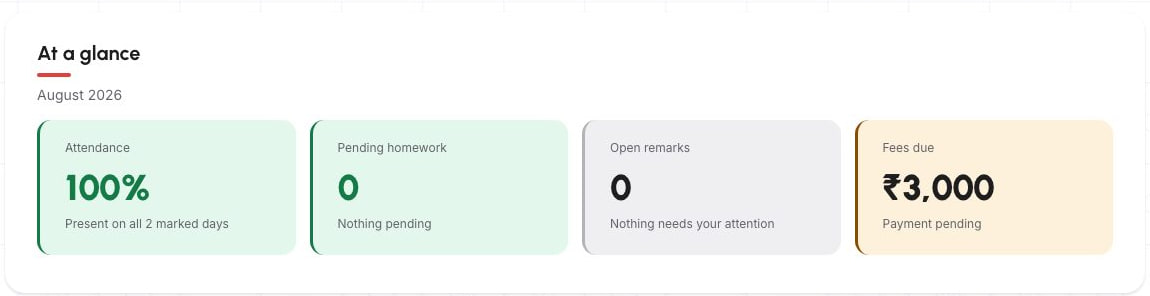
Schylva parent web dashboard using sample school dataInspect web workflow
Direct role viewChild-specific school overview

The parent dashboard keeps the linked child and school context visible before the family opens a detailed record.

Current Schylva web workflow · sample school data · not a mobile screenshot.
Find the current school day

Students

At launch, find today’s timetable, work, updates and published records.

  1. Sign inConfigured student account
  2. StartRelevant school-day overview
  3. OpenTimetable, assignment, material or circular
  4. ReviewAttendance, remarks or published results
Academic day
  • Timetable, assignments and supported study materials
  • Calendar information and school circulars
Personal school record
  • Supported attendance, remarks and published results
Current boundary

In the current web workflow, a signed-in Student can hand in available work by 11:59 PM on the due date in the school's configured timezone, or during a per-student window reopened by the class Teacher for an overdue active assignment. Mobile parity remains a launch-verification item. Student fee payment, live classes, collaborative assignment editing and unrestricted access to other students’ records are not current claims.

Explore the student mobile launch workflow
Web workflow · expand to inspect
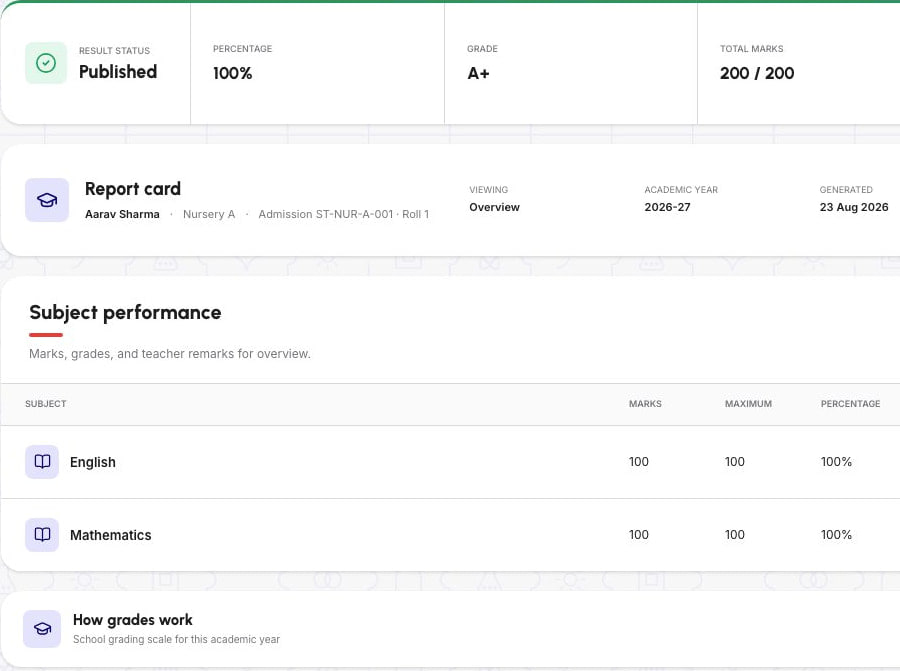
Schylva student web result view using sample school dataInspect web workflow
Direct role viewPublished student result

The student view demonstrates the current published-result context behind the planned mobile student experience.

Current Schylva web workflow · sample school data · not a mobile screenshot.
Found the roles your school needs?Review the planned mobile scope against your real school day.

The walkthrough uses current Schylva web workflows to record the role paths and mobile requirements your school needs at launch.

Book a scope walkthrough Get a custom quote

Connected product areas

Eleven school workflows planned for mobile.

Review the eleven connected product areas planned behind the mobile role experiences. Each link opens the complete feature scope and its current boundaries.

School foundation

Prepare the people, relationships and accounts behind each role.

At launch, each mobile role will use the supported school, person, class and account context from the connected platform.

Daily operations

Keep everyday school records connected to the relevant role.

At launch, attendance, fee status and schedules will follow the appropriate role context. Transport route and assignment records remain in the authorised administrator workflow.

Academics

Connect the academic day from school setup to the published view.

The mobile launch scope will connect class context, homework, materials, examinations and published results to the roles that need them.

Coordination and oversight

Publish the right update and review supported school summaries.

At launch, targeted communication will reach the applicable role while authorised administrators retain supported operational visibility.

Connected school updates

From a school update to the right record—not another message thread.

At launch, applicable in-app and push notifications will guide the correct role or audience to the related Schylva record.

  1. School actionA supported school workflow will create or change a record.
  2. Applicable role or audienceThe update will follow the relevant school and role context.
  3. In-app or push updateAn applicable notification will guide the user into Schylva.
  4. Related Schylva recordThe user will reach the underlying school record where applicable.
Applicable launch coverage may include
  • Attendance
  • Circulars
  • Homework
  • Study materials
  • Exams
  • Results
  • Fees
  • Payment confirmations
  • Remarks
  • Timetable changes

Login verification status

Login verificationSMS delivery not current

Product-managed login-verification SMS requires implementation and release proof.

Device controls and delivery

Push controlsManaged in device settings

Users will retain the notification controls supplied by their device.

Push deliveryNot guaranteed

Delivery can depend on permissions, device state and external notification services.

Not supported or not currently claimed

WhatsAppNot supported

WhatsApp product messaging and alerts are outside the launch scope.

Non-login SMSNot supported

Operational SMS alerts are not a supported product channel.

Email alertsNot currently marketed

Email delivery and read tracking are not current public claims.

Optional in-app categoriesNot planned at launch

Custom in-app notification-category preferences are outside the launch scope.

Web workflow · expand to inspect
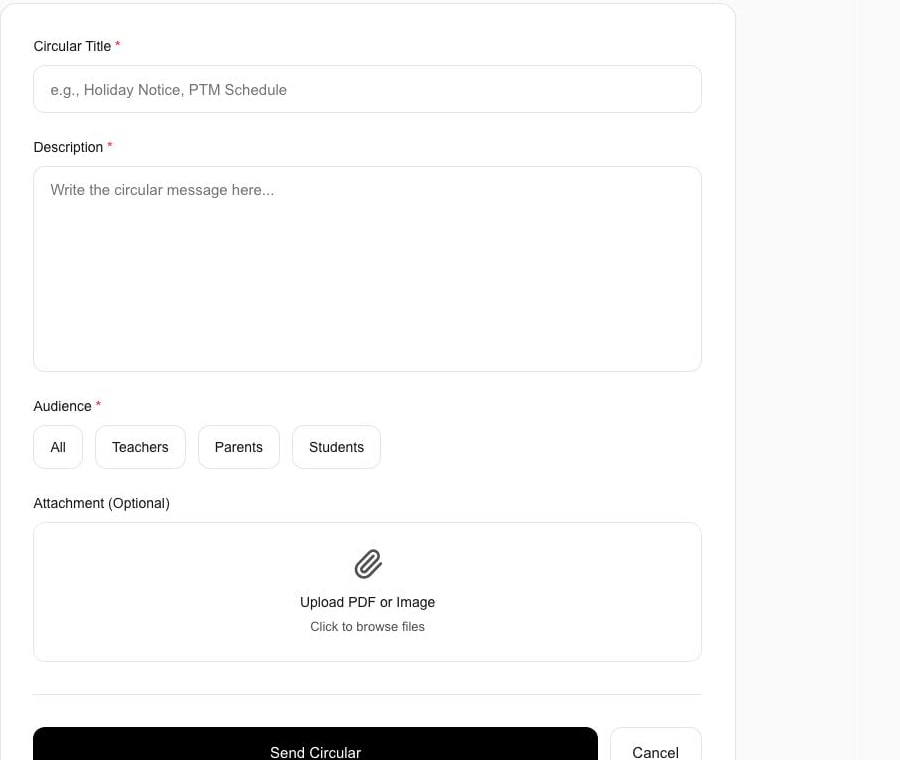
Schylva administrator web circular form using sample school dataInspect web workflow
Connected school sourceSchool creates a targeted update

The current circular workflow shows the school source from which an applicable role notification can begin at launch.

Current Schylva web workflow · sample school data · not a mobile screenshot.Review school communication
Web workflow · expand to inspect
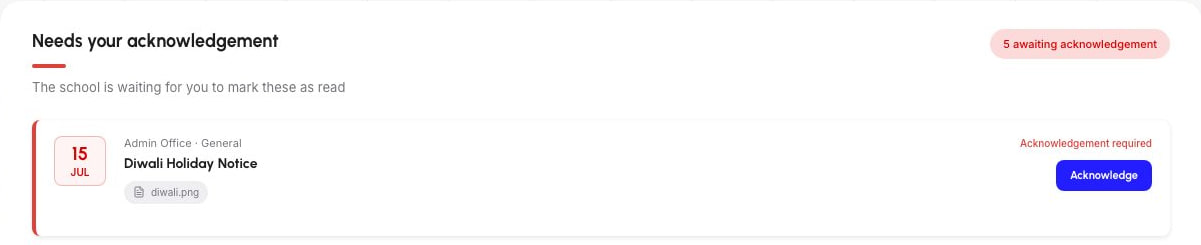
Schylva parent web circular view using sample school dataInspect web workflow
Direct role viewParent reviews the underlying update

The parent circular view shows the record that an applicable in-app or push update is planned to open at launch.

Current Schylva web workflow · sample school data · not a mobile screenshot.Follow the communication workflow

Login and role context

At launch, mobile access will follow the configured school and role context.

The planned path will begin with a configured school account relationship, use a release-approved verification method and continue into the relevant role workspace and record.

  1. Configured school account relationship

    The mobile path will use the administrator, teacher, parent or student relationship prepared by the school.

  2. Configured verification step

    The current web release accepts a configured six-digit code and does not send it by SMS. Mobile verification delivery requires release approval.

  3. Role-aware workspace

    The account will enter the focused experience for its configured school role.

  4. Relevant school, class, child or student record

    The user will reach only the supported context relevant to that school relationship.

Current access boundaries
  • Biometric login and offline authentication are not current public claims
  • SSO, SCIM, MDM and arbitrary custom RBAC are not current public claims
  • No specific encryption implementation, product-data hosting region or certification is claimed on this page

Prepare, validate, confirm

Plan mobile access around the roles your school needs.

Use three checks to prepare representative accounts, validate the workflows your school needs and confirm release details before approval.

Mobile rollout

Prepare mobile access as part of the school rollout.

Use three clear stages to prepare the school context, validate the mobile launch workflows and confirm release readiness.

Prepare

Set up representative accounts and relationships.

Prepare the required administrator, teacher, parent and student accounts, including parent-child, class, subject and school-role relationships.

Validate

Review priority workflows and notification paths.

Use representative records to review the school’s required role workflows, notification-to-record journeys and device permission states.

Approve

Complete training and confirm release readiness.

Prepare relevant staff, confirm support expectations, record outstanding actions and keep store links inactive until the production listings and release evidence are verified.

Introductory offer

The mobile role experiences at launch are included in the qualifying offer.

The confirmed iOS and Android school-role scope at launch is included for qualifying schools. Eligibility, activation and duration are governed by the Pricing and Offer Terms pages.

Where configured parent payment uses Razorpay or another payment gateway, provider transaction charges remain payable separately by the school.
Before approval

Separate what can be demonstrated now from what must be confirmed for release.

Demonstrate now

Follow current web workflows with representative records.

  • Required school-role accounts and relationships
  • Current workflows that must carry into the mobile launch scope
  • The configured login-verification and parent payment paths when required
Validate for the school

Record workflow, permission and rollout requirements.

  • Priority notification-to-record journeys
  • Device permission, training and support expectations
  • Any required capability currently listed as excluded or unverified
Confirm before release

Verify the platform details that are not yet published.

  • Official App Store and Google Play readiness
  • Supported OS versions and phone or tablet scope
  • Offline, language or other currently unverified requirements

Questions schools ask

What schools should know before the apps launch.

Review availability, role scope, notifications, payments and the release details that still need verification.

Are the Schylva mobile apps available to download now?

No. The iOS and Android experiences are coming at launch. App Store and Google Play links will appear only after the production listings are live and verified.

Are the screenshots on this page from the mobile apps?

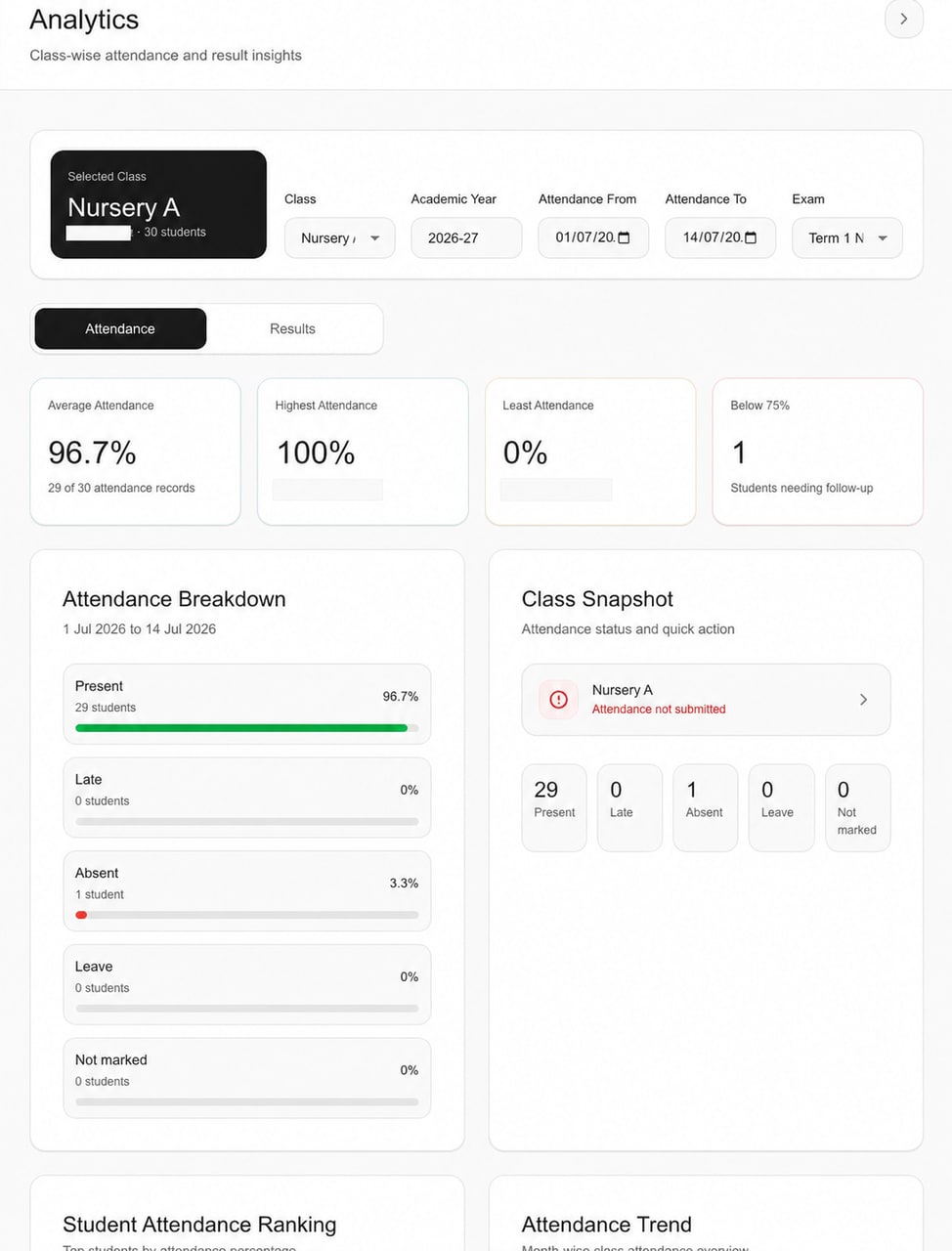
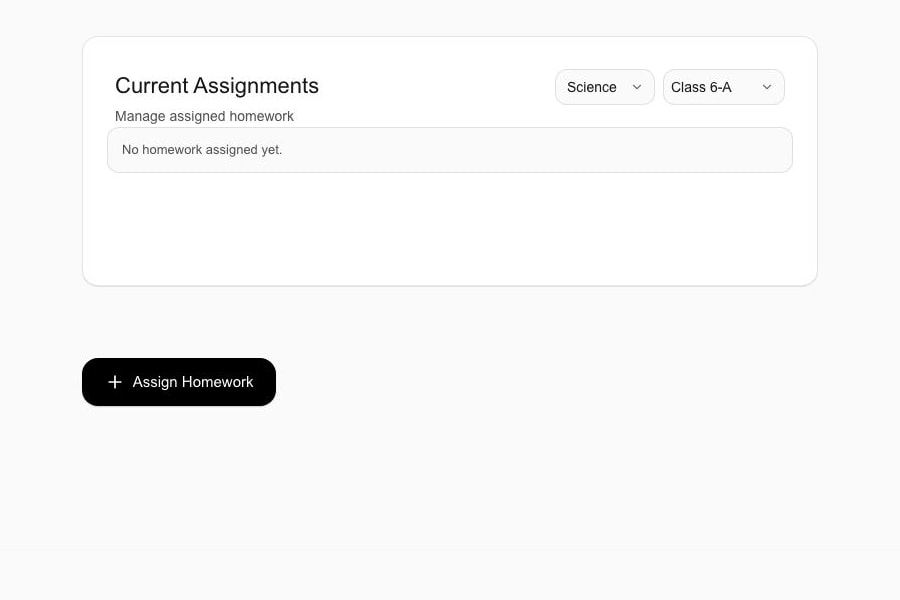
No. They are current Schylva web workflows using sample school data. They show the product context behind the mobile launch scope and are not presented as iOS or Android screenshots.

Will Schylva support both iOS and Android?

Yes. The confirmed role workflows for administrators, teachers, parents and students will be available on both iOS and Android at launch.

Which school roles are included at launch?

The mobile launch scope includes school administrators, teachers, parents and students. Platform-owner Super Admin is outside this four-role promise.

What does complete mobile scope mean?

It means each school role will complete its confirmed launch workflows using mobile-appropriate navigation and interaction. It does not imply every future feature, Super Admin access or an identical web and mobile interface.

Will mobile look identical to the web experience?

No. At launch, the confirmed workflow outcome will remain aligned while navigation, layout and controls adapt to the device.

How will administrators, teachers, parents and students get mobile access?

The school will prepare the relevant role accounts and relationships. At launch, users will sign in through a release-approved verification path and enter the role experience connected to their school account.

How will school updates reach users?

At launch, applicable school updates will use Schylva in-app and push notifications, guiding the correct audience to the related record where applicable. Push delivery cannot be guaranteed.

Does Schylva use WhatsApp or SMS for school updates?

No. WhatsApp and non-login SMS are not supported product channels. Product-managed login-verification SMS is not currently available; applicable school updates are planned through in-app and push notifications.

Can users disable optional notification categories?

Custom in-app category preferences are not planned at launch. Users will retain the notification controls provided through their iOS or Android device settings.

Can one parent account include multiple children?

Yes. The current parent experience supports moving between children linked through the appropriate school and family relationship, and that workflow will be part of the mobile launch scope.

Can parents pay school fees on mobile?

At launch, the parent experience will include the supported online-payment path when the school has configured it. Razorpay or another gateway’s transaction charges remain payable separately by the school under the provider’s terms.

Are the mobile experiences included in the introductory offer?

Yes. The confirmed iOS and Android school-role scope at launch is included for qualifying schools. The Pricing and Offer Terms pages define the activation, duration and commercial conditions.

Will Schylva work offline on mobile?

Offline mobile behaviour is not currently a public product promise. Any offline requirement should be recorded during the school’s evaluation and confirmed only after release verification.

Which iOS and Android versions, phones or tablets will be supported?

Minimum OS versions and phone or tablet scope are not yet published. They will be stated only after the production builds and device coverage are verified.

Will the mobile experience support multiple languages?

Mobile language support is not currently a public product claim. Schools should record any required language during evaluation so it can be confirmed against verified release scope.
Plan the mobile launch scope

Bring the roles and school-day actions you need to validate.

Use current Schylva web workflows to review the mobile launch scope for each school role and identify what still needs confirmation. This is a launch-scope review, not a demonstration of a downloadable mobile build.