Schylva feature

Put the right work and materials in the right hands.

Students and families should not have to search unrelated message threads for the latest work or study file.

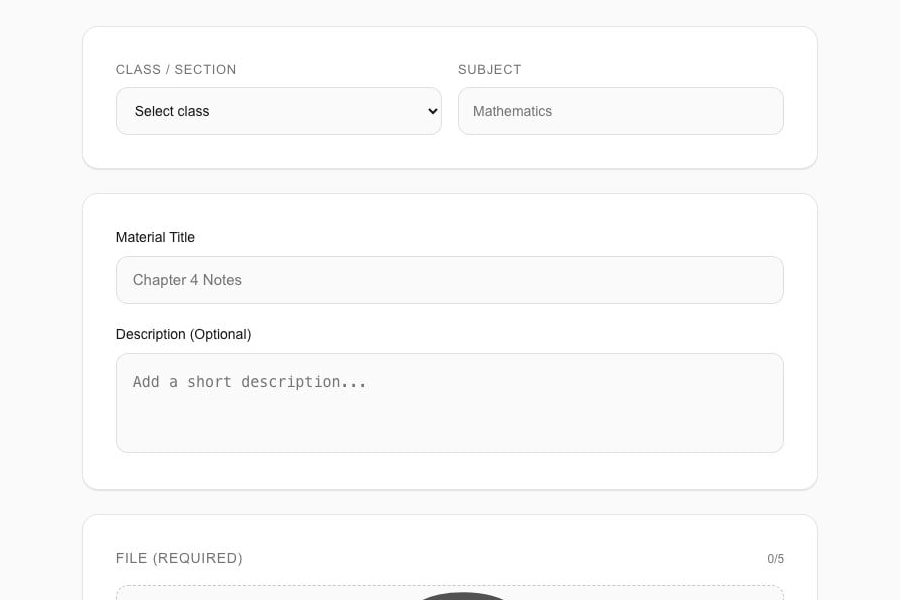
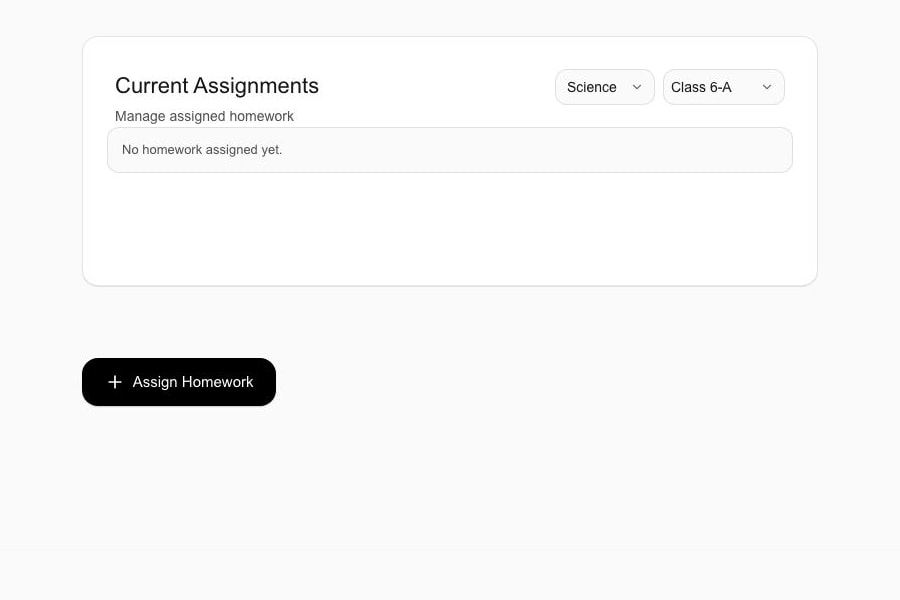
Actual product screen · sample school data

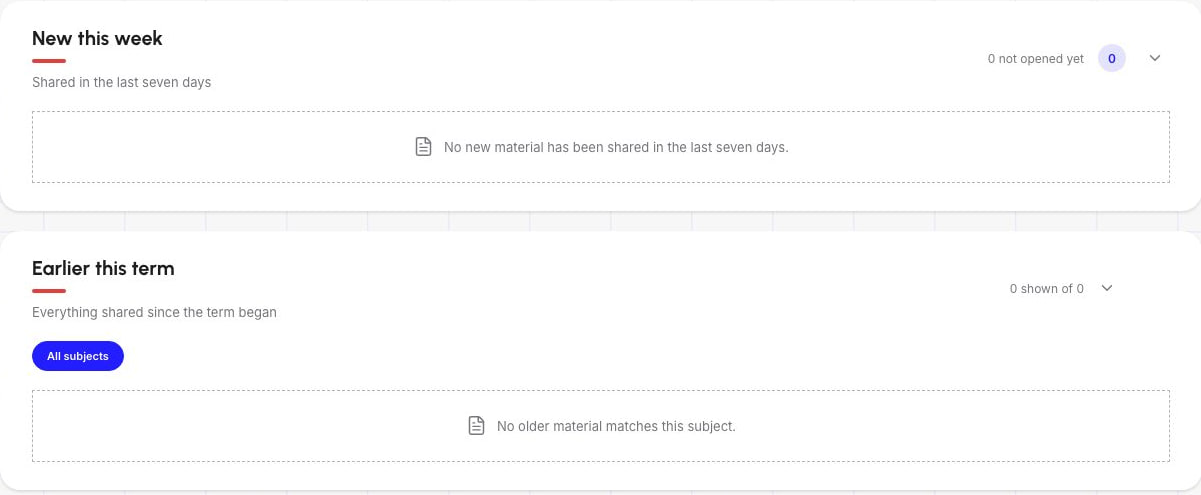
Actual product screen · sample school data

Teacher workspace representing daily class operations in Schylva

How it works

A connected workflow from school action to the right view.

Teachers create supported homework for the appropriate class audience. Teachers upload and organise supported study materials. Parents and students open or download the relevant materials through controlled routes.

  • Teachers create supported homework for the appropriate class audience.
  • Teachers upload and organise supported study materials.
  • Parents and students open or download the relevant materials through controlled routes.

Role by role

Give each person the context they need.

Teachers publish the work; parents and students see the appropriate class and child context.

Precise scope

What this page does not promise.

Student assignment submission, teacher review, grading, checked or returned states and collaborative editing are not currently claimed.

Public product claims are rechecked against the release candidate before launch.

Useful answers

Questions schools ask.

Can I see this workflow in a Schylva demo?

Yes. Tell us which role and school workflow matters most, and the walkthrough can focus on the relevant verified product experience.

Will this workflow be available on mobile?

Complete launch-feature parity for administrators, teachers, parents and students on iOS and Android is part of the confirmed mobile launch requirement.

Built around your school

See this workflow in a live demo

Book a focused walkthrough or request a custom school quote.