Schylva feature

Keep school people and relationships organised.

School workflows depend on reliable relationships between students, guardians, teachers, classes, sections and accounts.

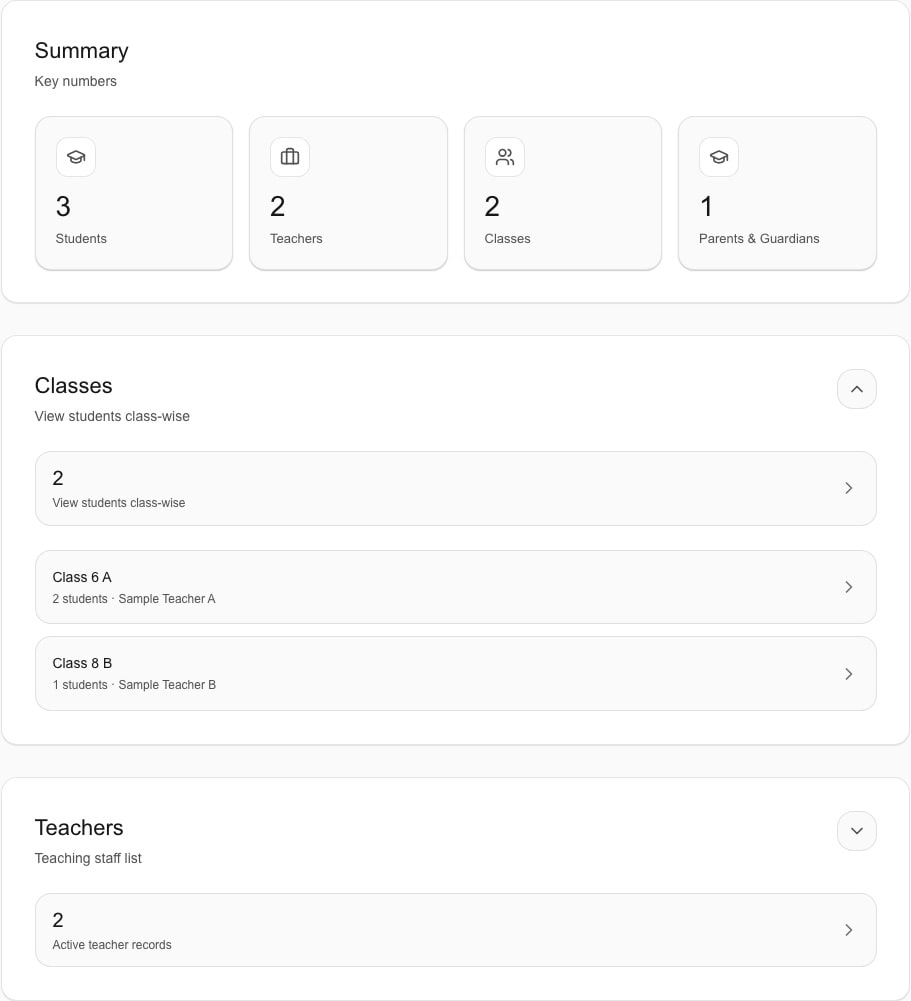
Actual product screen · sample school data

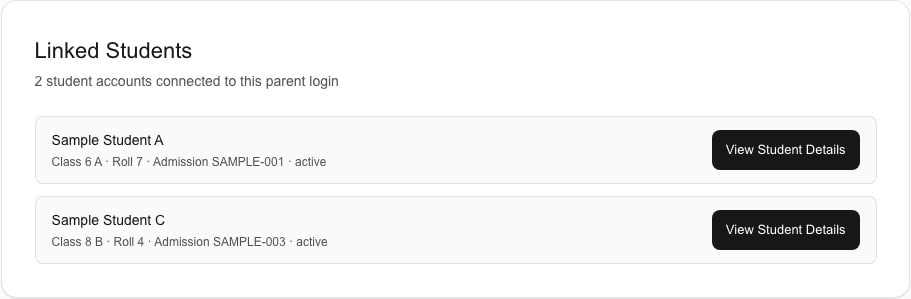
Actual product screen · sample school data

Administrator dashboard in Schylva

How it works

A connected workflow from school action to the right view.

Administrators maintain supported students, teachers, guardians, classes and sections. Parent-child relationships support families with more than one linked child. School login accounts connect the appropriate role to the school experience.

  • Administrators maintain supported students, teachers, guardians, classes and sections.
  • Parent-child relationships support families with more than one linked child.
  • School login accounts connect the appropriate role to the school experience.

Role by role

Give each person the context they need.

Administrators maintain the foundation while each user sees only the appropriate role and relationship context.

Precise scope

What this page does not promise.

Admissions CRM, employee HR, payroll, student document management, alumni and full multi-campus administration are not claimed.

Public product claims are rechecked against the release candidate before launch.

Useful answers

Questions schools ask.

Can I see this workflow in a Schylva demo?

Yes. Tell us which role and school workflow matters most, and the walkthrough can focus on the relevant verified product experience.

Will this workflow be available on mobile?

Complete launch-feature parity for administrators, teachers, parents and students on iOS and Android is part of the confirmed mobile launch requirement.

Built around your school

See this workflow in a live demo

Book a focused walkthrough or request a custom school quote.